

A screen or button is missing
Someone says “I don’t have the Routes screen”, “there’s no Approve button”, or “I only see half the customers”. The console shows each person what their roles let them do, for the records their roles reach. Who it happens to: office staff and supervisors; the administrator fixes it. Where in the cycle: Set up the company.
Check, in this order
Section titled “Check, in this order”-
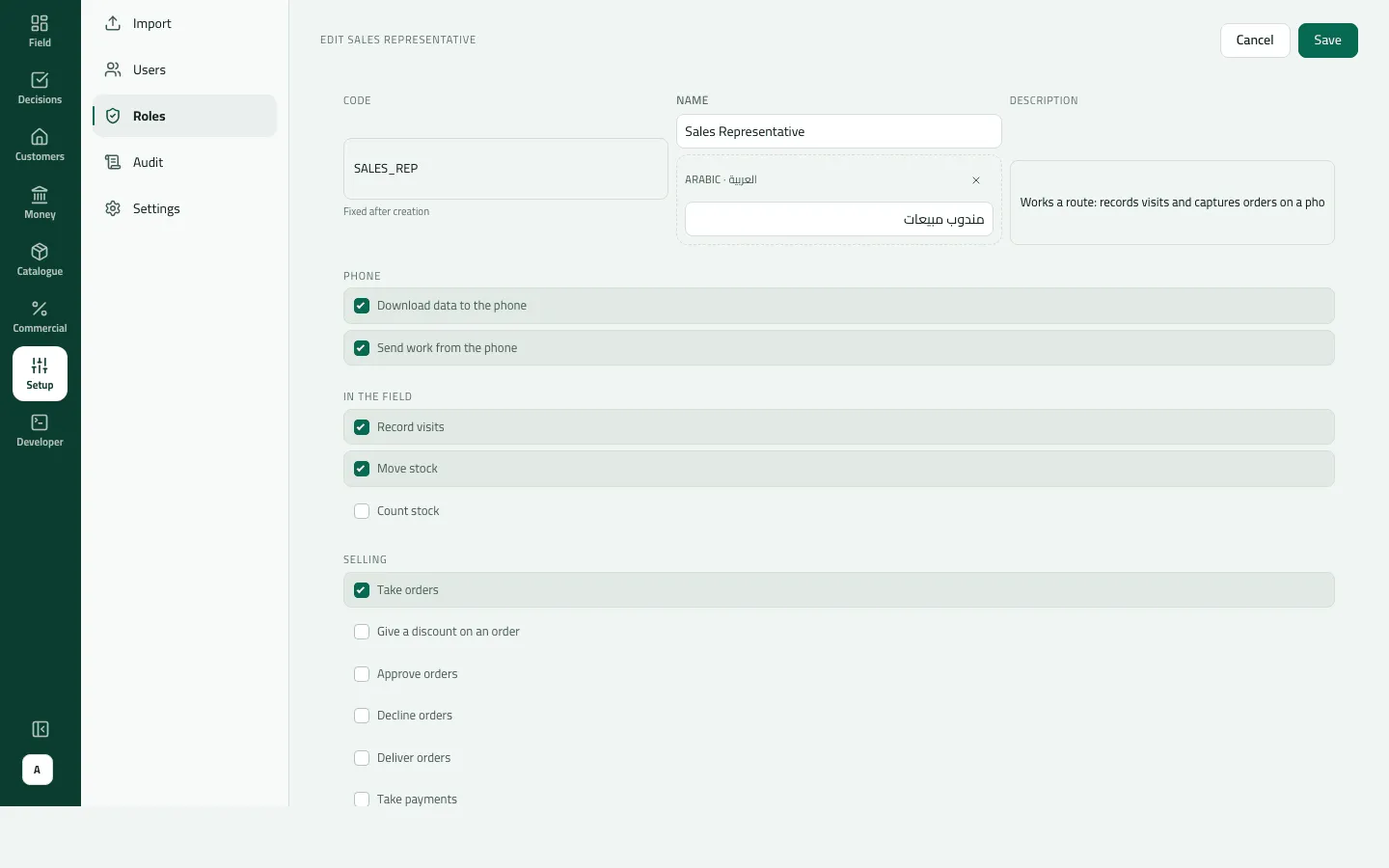
Which roles does the person have? Setup › Users, their row: Roles and Permissions. A menu row shows only with its permission:
Menu row Needs Customers › Routes Manage people Decisions › Approvals Approve orders Import Add and change customers Setup › Settings Run the company (full access) Developer › Events Run the company (full access) Dashboard See reports The built-in Supervisor has neither Manage people nor Run the company, so no Routes, Users or Settings. Fix: add the permission to a role of yours, or give the person an exception (Make a role with limits).
-
A screen shows, but its buttons don’t. Some screens need a second permission to act:
- Approvals › New shops lists shops for Approve orders, but deciding one needs Add and change customers — by default only administrators have it.
- Customers › Outlets and the catalogue show no edit buttons without Add and change customers or Manage products and prices.
-
The Integrations tab. It needs Manage integrations, but the Settings menu row needs Run the company. Someone with only Manage integrations opens it from the bell’s “Integration tokens running out”, or at
/admin/settings?tab=integrations(Connect your ERP with a token). -
Fewer records than expected. Each permission has a reach, Whose records: Their own, Their team, Everyone. A supervisor set to Their team sees her team’s customers, orders and reps only. “Their team” needs the reps to report to her on On a round (Put someone on a round with a van). A blank reach means Their own.
-
The button is there, but the action is refused. That is a limit: Largest discount (%), Largest order (approvals, compared with the total before VAT), Largest payment (payments recorded in the console). Raise it on the role, or with an exception. Bounced on a cheque is there for everyone who opens Money › Cheques, but is refused without Reverse payments (administrators by default).
-
The change was made a minute ago. Role, exception and suspension changes reach people already signed in within an hour. Signing out and in again picks them up at once.
-
The record comes from your ERP. With your ERP sending customers or products, those records are changed in the ERP, and the console refuses with ERP_MASTERED.
“Not found” that means “not yours”
Section titled ““Not found” that means “not yours””Opening a record by its address — an order, an invoice, a customer — outside your reach can answer “not found” or “No such order”, although it exists. Check the person’s reach before looking for a deleted record. Opening a screen by its address without its permission shows MISSING_PERMISSION, or for Routes a plain “Could not load routes”.
If something goes wrong
Section titled “If something goes wrong”| What you see | What to do |
|---|---|
You do not have access to this. Ask your administrator if your work needs it. MISSING_PERMISSION | Your role doesn't include this screen. Ask your administrator if your work needs it. |
You cannot give more than you have yourself: a permission you do not hold, a wider reach or a higher limit than yours. ESCALATION | Nobody can give more than they hold. An administrator with that permission and limit gives it. |
This person can do things you cannot, so only someone with at least their access can change this. OUT_OF_REACH | This person can do things you can't; someone with at least their access changes them. |
This is above the limit your role allows. Ask someone with a higher limit to do it. LIMIT_EXCEEDED | Above your approval limit. Someone with a higher limit decides it. |
This payment is more than your role may record at once. Record a smaller amount, or ask someone with a higher limit. OVER_LIMIT | Above your payment limit. Record a smaller amount, or ask someone with a higher limit. |
This comes from your ERP, so it can't be changed here. Change it in the ERP. ERP_MASTERED | Change it in your ERP; it reaches Slflo at the next push. |
Could not load routes | You opened Routes without Manage people. Ask for the permission. |
The shops are listed but there are no buttons | Deciding a new shop needs Add and change customers. |
When to contact Slflo
Section titled “When to contact Slflo”When the only administrator has lost Run the company or is locked out, nobody in the company can give it back. Contact Slflo with the company code.