

Add units, brands and categories
The lists a product picks from: units it is sold in, its brand, its category, and extra facts. Who: administrator · Where in the cycle: Set up.
Before you start
Section titled “Before you start”- Anyone who syncs a phone can read these lists; adding needs Manage products and prices (CATALOG_MANAGE).
- Add units before products: a product can’t be made until one unit exists.
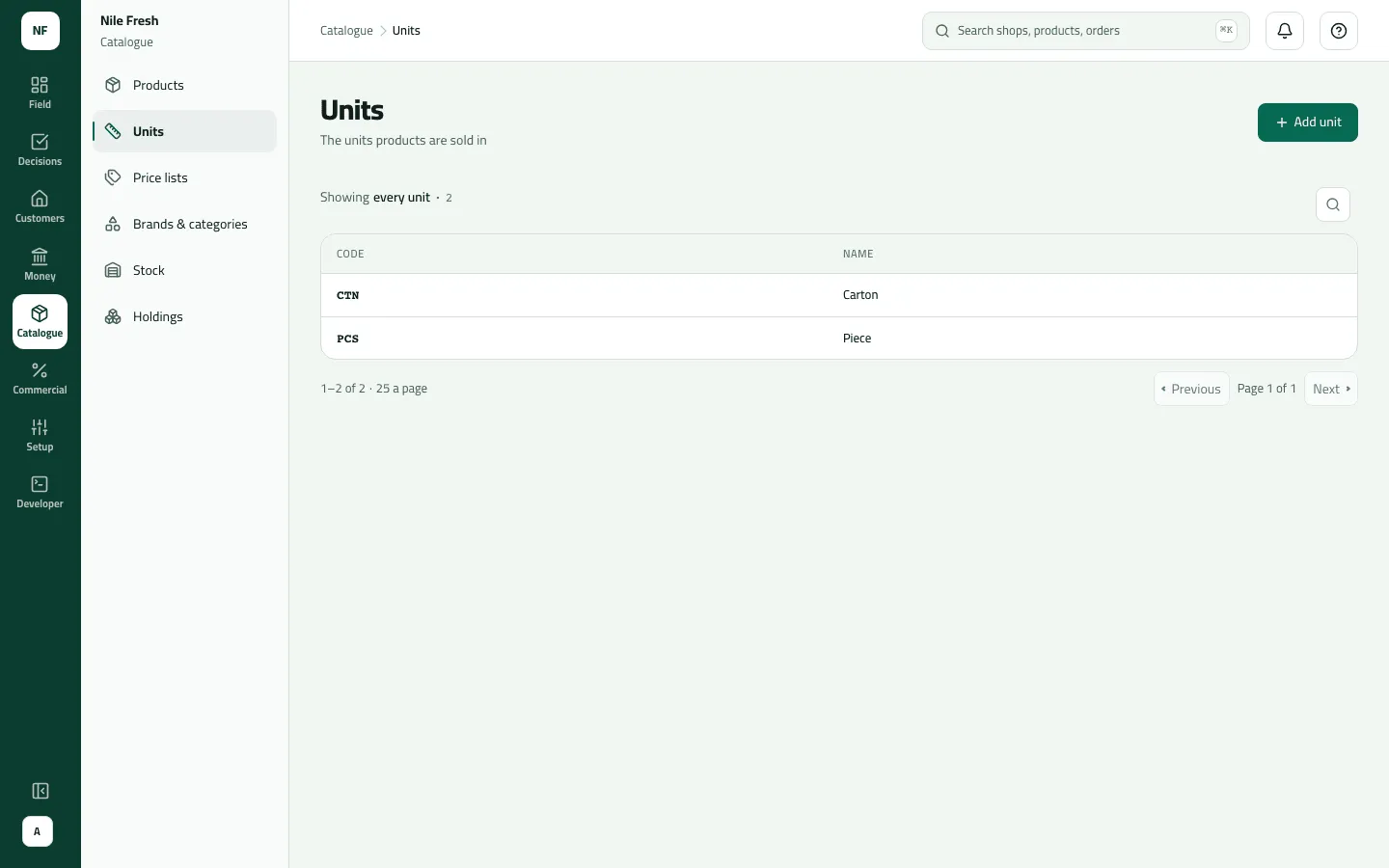
- Open Catalogue › Units and press Add unit.
- Type the Code (e.g. PCS) and the Name in English and Arabic (e.g. Piece / قطعة).
- Save. The notice says “Unit saved.”
A unit here is only a name. How many pieces a carton holds is set on each product (Set up a product’s units).
Brands, categories and attributes
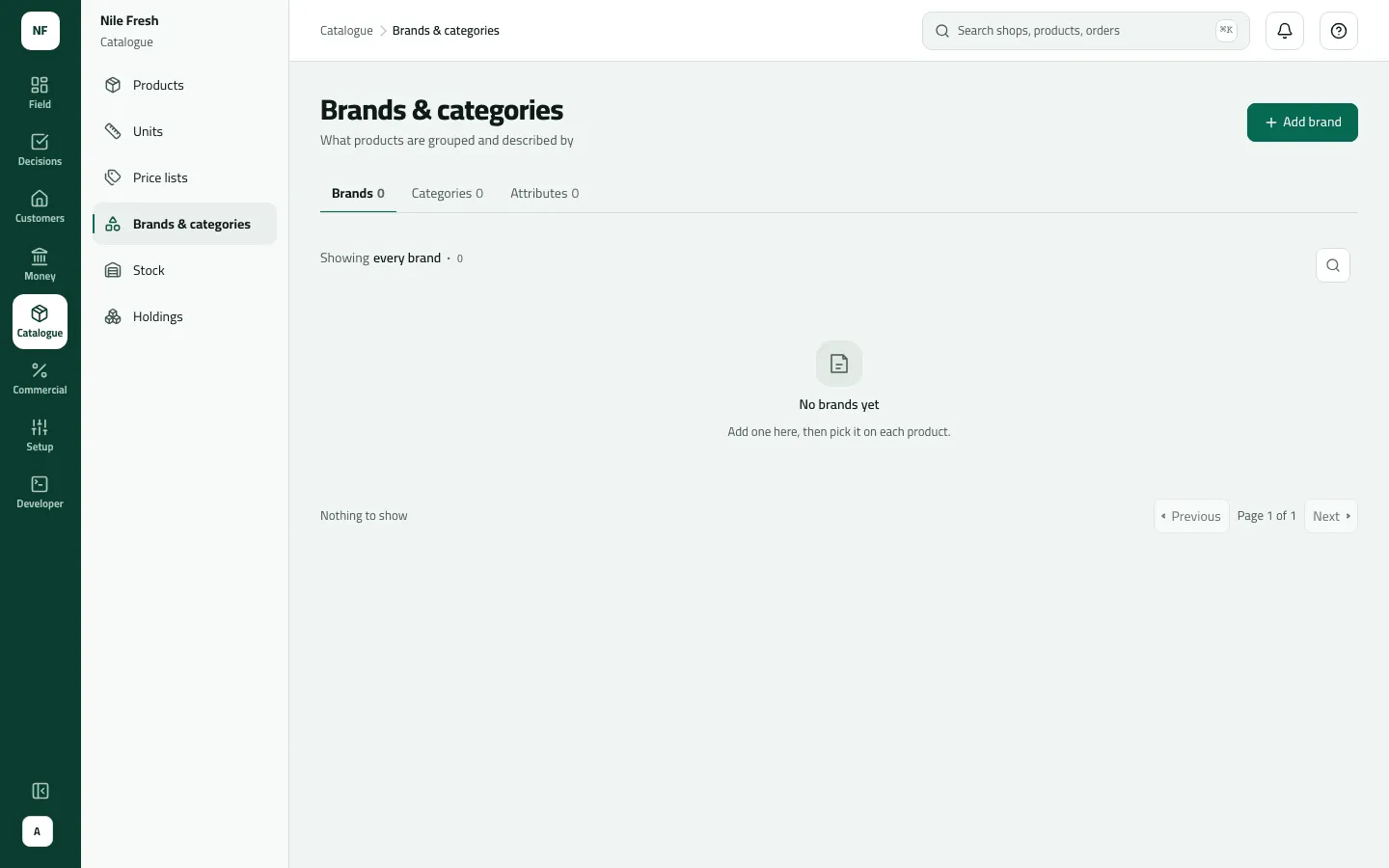
Section titled “Brands, categories and attributes”- Open Catalogue › Brands & categories and pick the tab: Brands, Categories or Attributes.
- Press Add brand (or Add category, Add attribute) and type a Code and Name (for an attribute, also What it holds: Text, Number, Yes or no, Date — fixed once created).
- Save. From the row menu you can Rename, Retire (the product form stops offering it) or Bring back.
Example
Section titled “Example”Nile Fresh adds units PCS “Piece / قطعة” and CTN “Carton / كرتونة”, and the brand NILE “Nile Fresh”. Juice 1L and Water 6-pack then pick PCS as their base unit and CTN as a carton of 12.
What happens next
Section titled “What happens next”- The product form offers the new units, brands and categories at once; phones get them at the next sync.
- Brands matter for rebates, which are calculated on turnover by brand.
- Units, brands and categories are recorded in the audit trail; attributes are not.
If something goes wrong
Section titled “If something goes wrong”| What you see | What to do |
|---|---|
A unit PCS already exists. Choose another code; adding it again would rename that unit. | Units can't be renamed or deleted in the console. Use another code. |
That code is already on this list. Rename that one instead. | Use Rename on the existing row. |
I can't find a category tree | Categories are flat: one level, no parents. |
A retired brand still shows on some products | Products that had it keep it. Retiring only stops new picks. |
This comes from your ERP, so it can't be changed here. Change it in the ERP. ERP_MASTERED | Your catalogue comes from your ERP. Change it there. |