

Reset or change your password
Forgot it: email yourself a link from the sign-in card. Know it: change it from the profile menu. Who: console users · Where in the cycle: —
Before you start
Section titled “Before you start”- A reset link needs email to be set up on your Slflo and an email address on your account. If not, the sign-in card tells you to ask your administrator.
- Reps change their phone password in the app (Settings › Change password).
You forgot your password
Section titled “You forgot your password”- On the sign-in card press Forgot your password?.
- On the email door, the link goes to the address you typed; on the username door, type the Company code and Username first — the link goes to the address on file.
- Press Email me a link. The card says “If that account has an email address, a link to choose a new password is on its way. It works once, within an hour.”
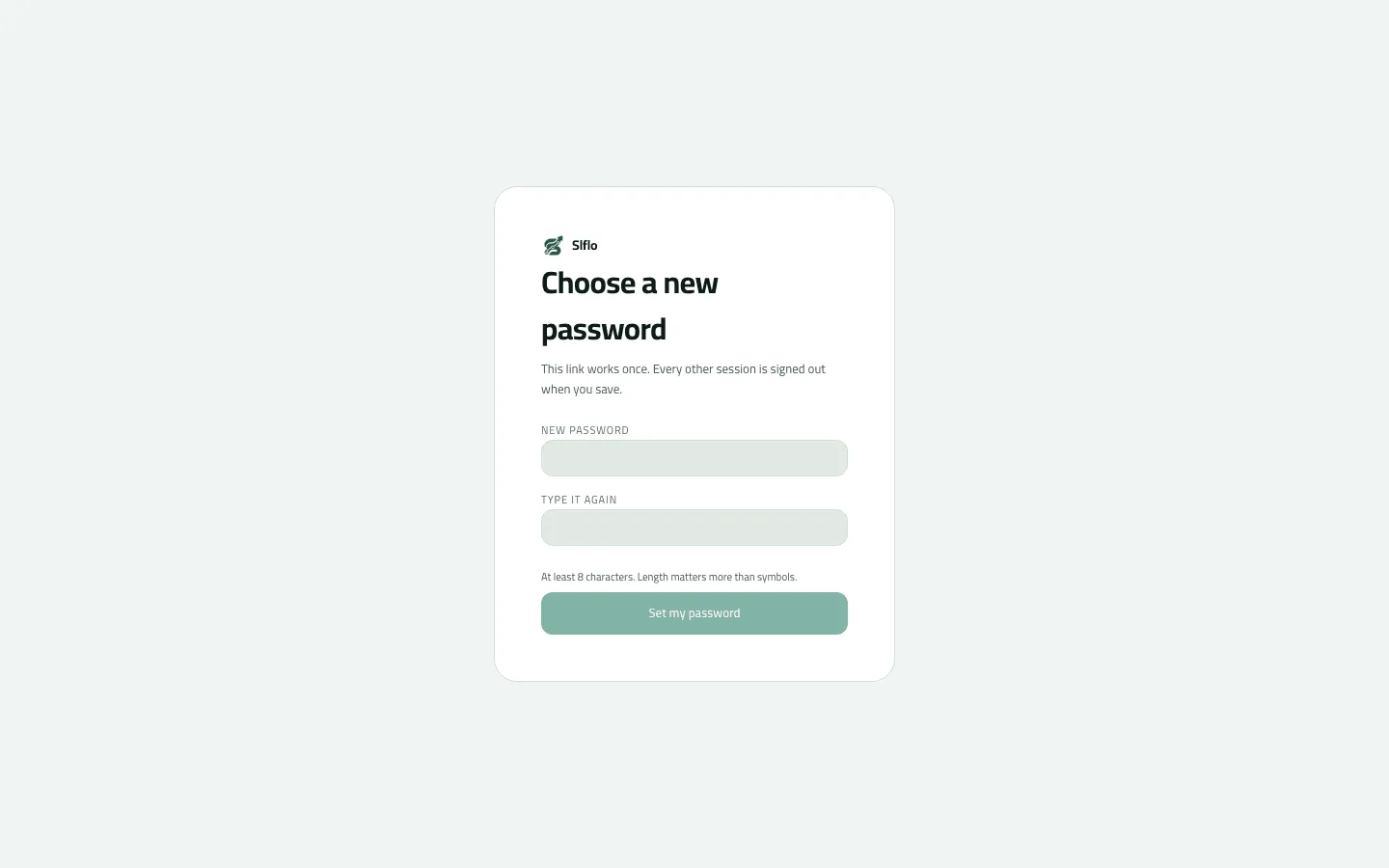
- Open the email (“Choose a new Slflo password”) and its link. The page Choose a new password opens.
- Type a New password (at least 8 characters), Type it again, and press Set my password.
- Press Go to sign in.
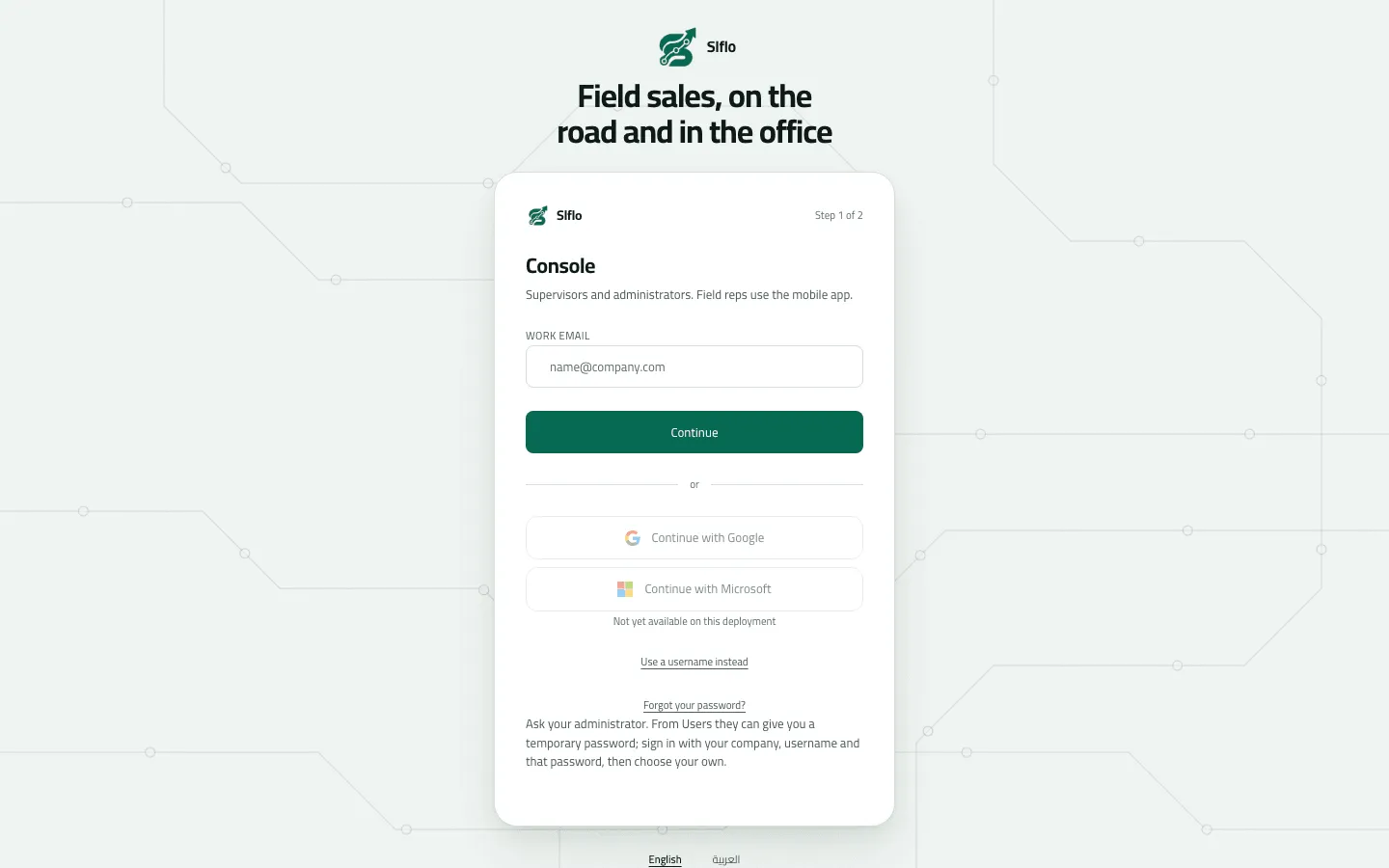
- With no mail server: ask your administrator
You know your password and want a new one
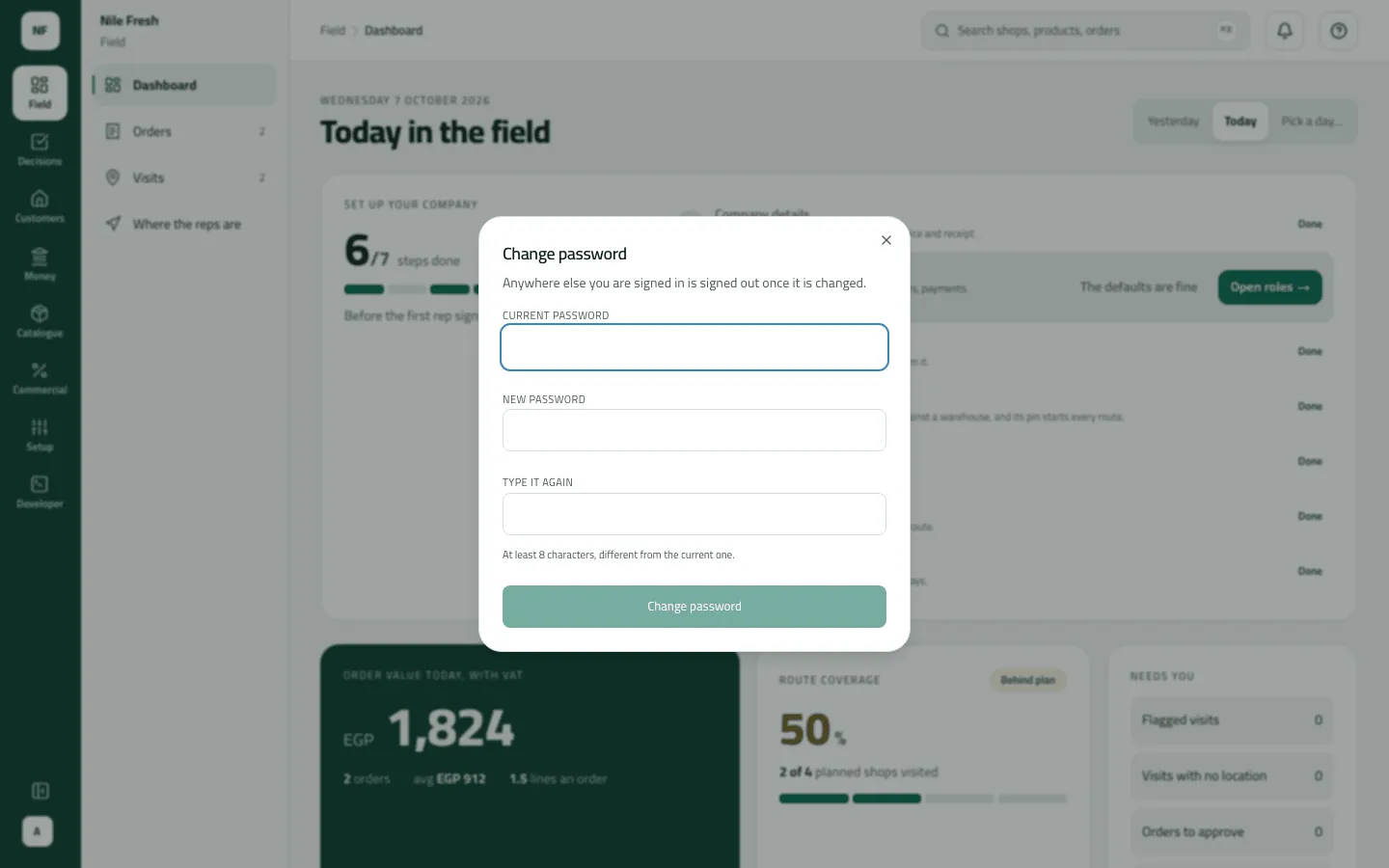
Section titled “You know your password and want a new one”- Open the profile menu at the foot of the rail and choose Change password.
- Type the Current password, a New password and Type it again.
- Press Change password. You stay signed in here; everywhere else is signed out.
Example
Section titled “Example”Sara signs in to Nile Fresh’s console with her email and has forgotten her password. She presses Forgot your password?, then Email me a link. The link arrives, works once within the hour, and after she sets a new password every other session she had is signed out.
What happens next
Section titled “What happens next”- A reset link also unlocks an account locked by wrong passwords.
- Every other session of yours is signed out (other tabs and computers at their next renewal).
- At most three links are sent per account per hour.
If something goes wrong
Section titled “If something goes wrong”| What you see | What to do |
|---|---|
Ask your administrator. From Users they can give you a temporary password… | Email isn't set up for your company. An administrator uses Users › Reset password and hands you a temporary password; sign in on the username door with it. |
No email arrives | Nothing is sent when the account has no email, is suspended, or already had three links this hour. Wait, or ask your administrator for a temporary password. |
This link was already used or has expired. Ask for a new one from the sign-in page. RESET_LINK_NOT_USABLE | The link was used or is over an hour old. Ask for a new one from the sign-in card. |
That password is too short. Choose a longer one. WEAK_PASSWORD | Use at least 8 characters. |
Type your email address, or your company code and username. RESET_WHO_REQUIRED | Type your email, or your company code and username, before pressing Email me a link. |
This workspace can't send email yet. Ask your administrator for a temporary password. PASSWORD_RESET_UNAVAILABLE | Ask your administrator for a temporary password. |
The current password is not correct | If you sign in by email, use Forgot your password? instead of Change password. Otherwise check the current password. |