

Find out what Slflo does
Slflo runs a field sales team: the reps on the road and the office behind them. Who: everyone · Where in the cycle: all of it.
Three parts, one day
Section titled “Three parts, one day”| Part | Who uses it | What it is for |
|---|---|---|
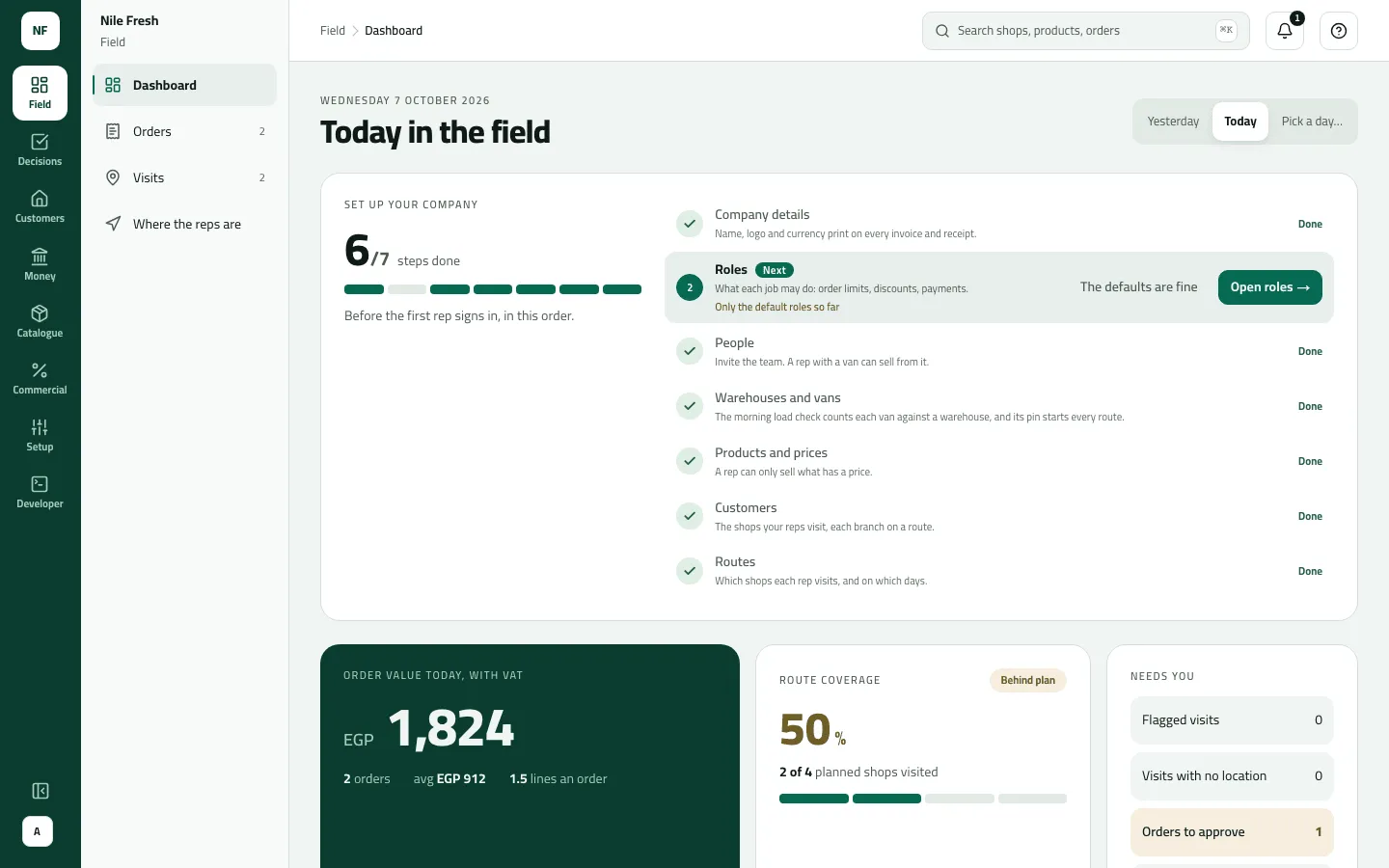
| The console (a web app) | Office staff, supervisors, administrators | Setting the company up, planning routes, loading vans, deciding what waits for approval, banking cash and cheques, signing each rep’s day off, reading what customers owe. |
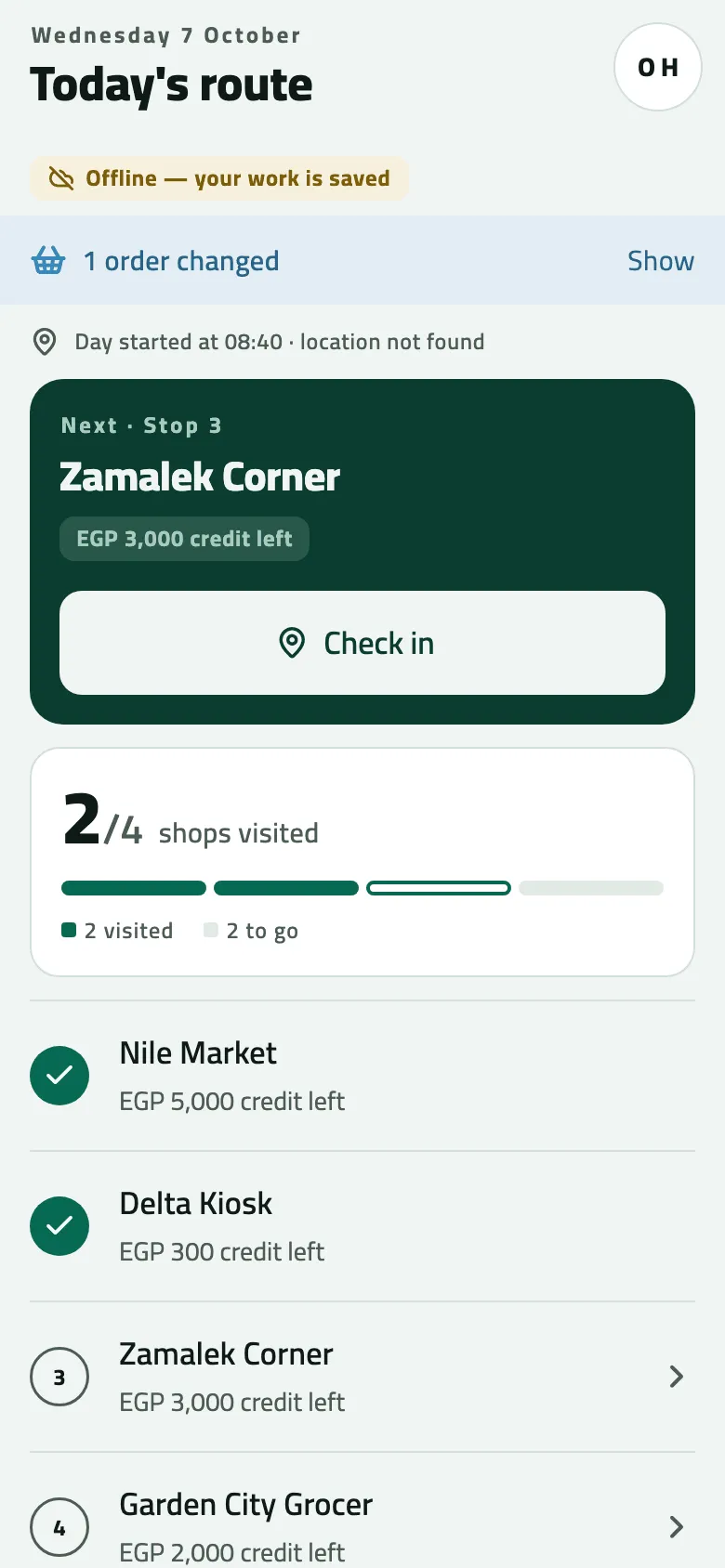
| The phone app (Android) | Reps | The day’s stops, checking in at each shop, selling from the van or booking orders, collecting money, taking goods back, ending the day. It works without signal and sends the work when it syncs. |
| The integration API | Your ERP, if you have one | Your ERP reads the day’s invoices, receipts and credit notes, and can send customers, products and prices to Slflo. |
All three work on the same loop, every working day:
The office sets up and plans; the rep loads the van, visits shops, sells, collects and takes goods back (return); the office approves what waits, banks the money and closes the day; your ERP reads the documents; the accountant reconciles. How Slflo works explains each stage.
Example: Nile Fresh in one paragraph
Section titled “Example: Nile Fresh in one paragraph”Nile Fresh is a drinks distributor in Cairo. Rep Omar Hassan (REP-03) drives van VAN-03 round four shops on route CAIRO-03, selling Juice 1L at 100.00 and Water 6-pack at 50.00, with VAT at 14% added on top. When an order goes over a shop’s credit limit it waits for his supervisor, Sara (SUP-01), who approves it in the console. At the end of the day the office banks the cash Omar collected and Sara signs his day off. Nile Fresh has no ERP yet, so nothing waits for one. Follow that day step by step.
- Order updates: what the office did to your orders
- Next stop
- The round so far
What happens next
Section titled “What happens next”- If you set the company up, start with Set up your company from nothing.
- If someone invited you, accept the invitation, then sign in.
- If you are a rep, your office gives you a company code, a username and a temporary password for the phone app.
If something goes wrong
Section titled “If something goes wrong”Most first-day problems are set-up, not faults: a rep who sees an empty day was not put on a round or has no route yet (Get a new rep on the road), and a missing menu row means your role does not include that screen (Find your way around the console).