

See your targets
If your supervisor set you targets, Today shows a Targets card. Who: rep · Where in the cycle: across the day.
Before you start
Section titled “Before you start”- Your supervisor set targets for you or your route (Set and track targets). Without targets there is no card on Today.
What you see
Section titled “What you see”- On Today, the Targets card: a ring with the percentage of your main target (order value first), what is left — EGP 4200.00 to go — or Target met, and Last updated ….
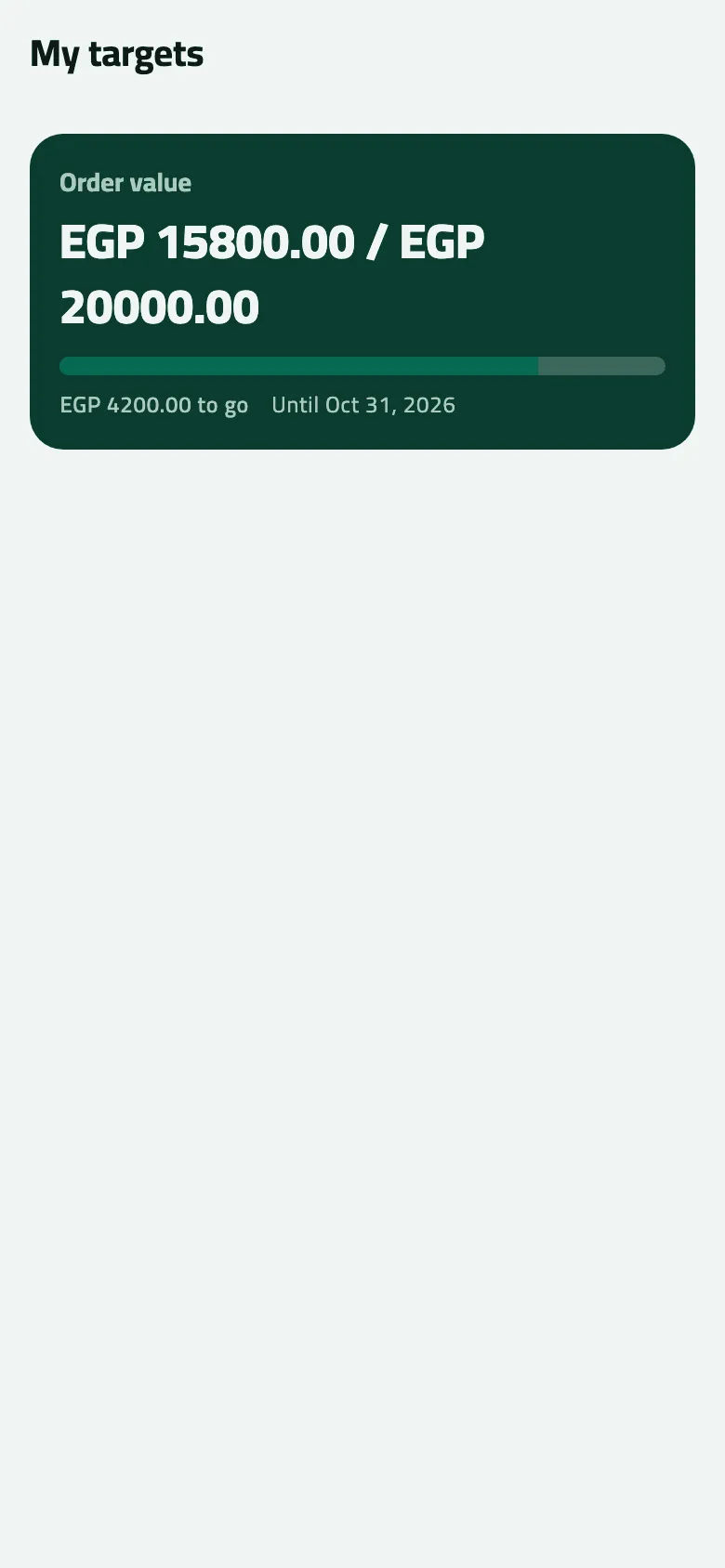
- Tap it for My targets: one card per target in force — Order value, Orders, Visits or Strike rate — with where you are against the target, a bar, what is left and Until 31 Oct 2026.
Example
Section titled “Example”Suppose Omar’s October target is order value EGP 20,000. On 7 October My targets reads EGP 15800.00 / EGP 20000.00, EGP 4200.00 to go, Until 31 Oct 2026. The phone writes these amounts without thousands separators.
What happens next
Section titled “What happens next”- The figures come from the office and change only when the phone syncs. Last updated says when they were fetched; pull down on Today for fresh ones.
- Order value counts what was invoiced: a booked order counts once the office delivers it.
If something goes wrong
Section titled “If something goes wrong”| What you see | What to do |
|---|---|
No Targets card on Today | You have no target in force today, or the day has no stops (the card isn't shown on an empty day). |
The figure doesn't move after a sale | Pull down on Today in signal; targets refresh only with a sync. |