

Share an invoice
After a van sale the invoice opens on its own. You share it with the shopkeeper as a PDF. Who: rep · Where in the cycle: Sell.
Before you start
Section titled “Before you start”- You made a van sale (Sell from the van), or you open an invoice from the shop’s Recent invoices, or View invoice on an order.
- WhatsApp (or another app that takes a PDF) is on the phone.
- Read the invoice. Before the sale syncs it is a Provisional invoice with an amber note: “The invoice number is issued when this sale syncs; the amounts are confirmed on that invoice.”
- Check the lines (quantity × price), Subtotal, Discount, VAT (or VAT (included)) and Total due. Free goods show as Free with the promotion’s name. The amount beside each line includes VAT when VAT is added to prices: 10 × 100.00 shows 1140.00 (1,000.00 + 14 %). The Subtotal is before VAT.
- Tap Share invoice. The phone makes an A5 PDF in the app’s language and opens Android’s share sheet.
- Pick WhatsApp and the shopkeeper’s chat (or any app). The phone says Shared.
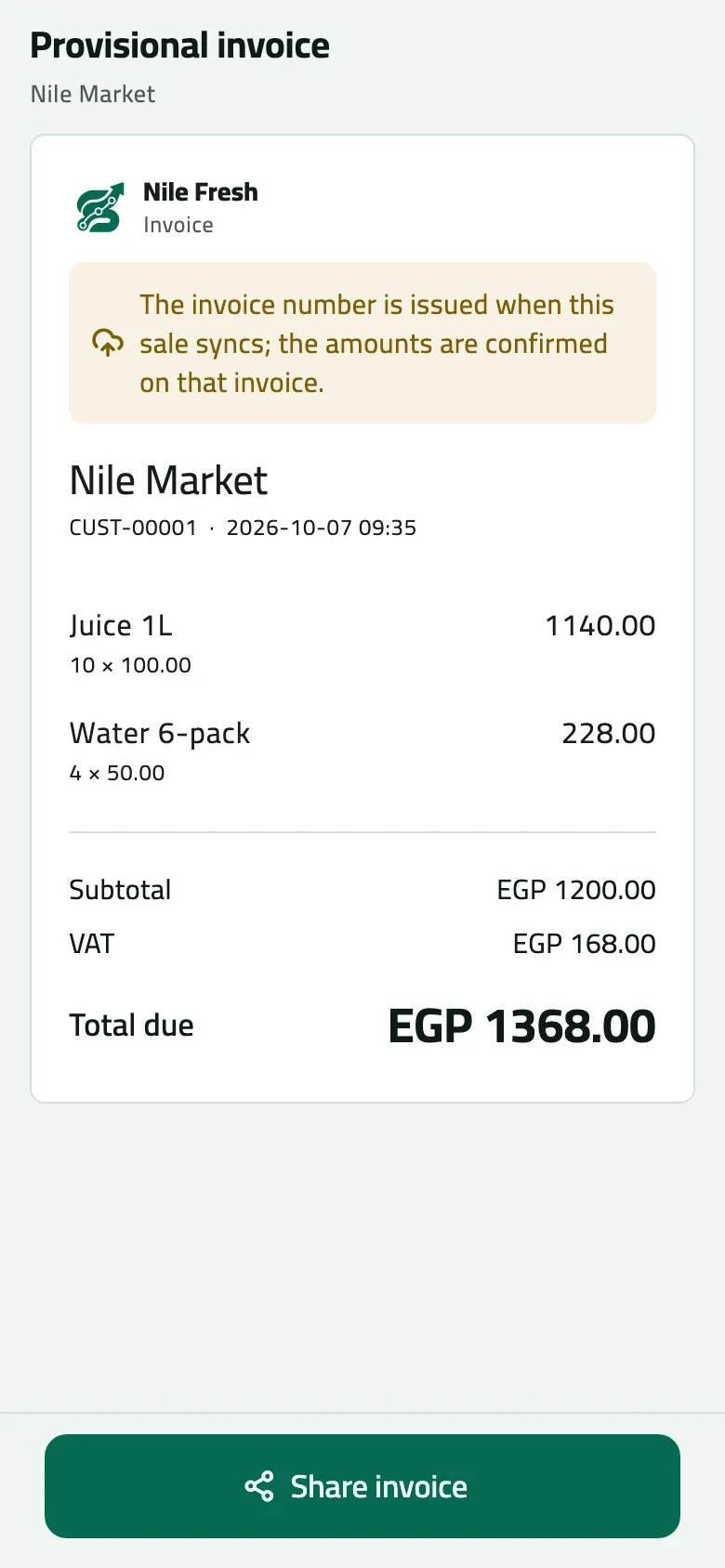
- Provisional: the number comes when the sale syncs
- Share invoice
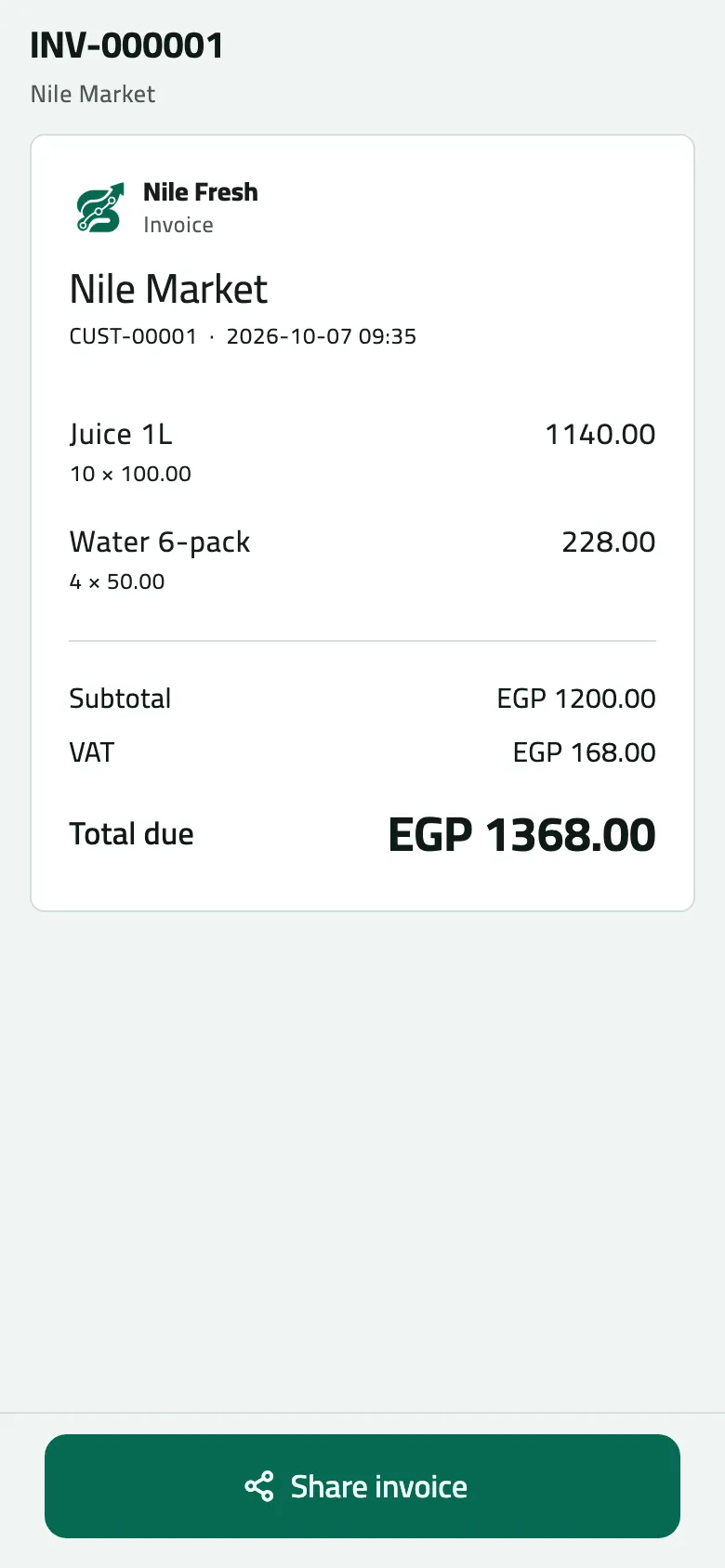
- The invoice number, issued by the server
Example
Section titled “Example”At 09:35 Omar’s provisional invoice for Nile Market reads 10 × 100.00 and 4 × 50.00, Subtotal 1,200.00, VAT 168.00, Total due EGP 1368.00. He taps Share invoice and sends it to the shopkeeper on WhatsApp. When the sale syncs the official invoice replaces it:
10 Juice 1L at 100.00 and 4 Water 6-pack at 50.00 from the van. The invoice is issued at once and the van drops by what was sold.
Nile Fresh
INVOICE · INV-000001
- Net
- 1,200.00
- VAT
- 168.00
- 10 PCS Juice 1L × 100.001,000.00
- VAT 14%140.00
- 4 PCS Water 6-pack × 50.00200.00
- VAT 14%28.00
TotalEGP 1,368.00
| Item | Before | After | Change |
|---|---|---|---|
| VAN-03 · Juice 1L | 50 PCS | 40 PCS | −10 |
| VAN-03 · Water 6-pack | 40 PCS | 36 PCS | −4 |
| Nile Market owes | 0.00 EGP | 1,368.00 EGP | +1,368.00 |
- The shopkeeper gets the invoice as a shared PDF; the phone does not print.
Provisional and official
Section titled “Provisional and official”- Provisional — built on the phone the moment you save, with no number and VAT at your company’s rate as last synced. Fine to share; the amounts are confirmed by the official one.
- Official — once the sale syncs, the office’s invoice (INV-000001 on the day) replaces the provisional copy, with its number. Open it again from Recent invoices on the shop or View invoice on the order, and share it again if the shop wants the numbered copy.
- An order delivered in two parts has one tab per invoice.
If something goes wrong
Section titled “If something goes wrong”| What you see | What to do |
|---|---|
Provisional invoice, no number | The sale hasn't synced yet. Pull down on Today in signal; the official invoice replaces it. |
No invoice yet. It appears once the goods are handed over and the sale syncs. | This is a booked order. The office delivers it and issues the invoice. |
Could not prepare the invoice. Try again. | Tap Share invoice again. If it keeps failing, restart the app. |
The total differs from what you told the shop | The office priced the order again with the price in force that day, and confirmed the promotions. The official invoice is right. |